LIGHTING · FREE 3D PRINTING TOOL
Neon sign maker for 3D printing
Type a name, or upload a logo or drawing (SVG), and Volucore builds a neon sign with channels sized for your LED neon strip. Large signs are split into numbered pieces that fit your printer bed, with connectors, an assembly guide and a 1:1 template.
- 21 fonts, 6 single-line
- Your SVG logo as neon
- Printer-sized pieces
Free monthly downloads with a Google or email account.
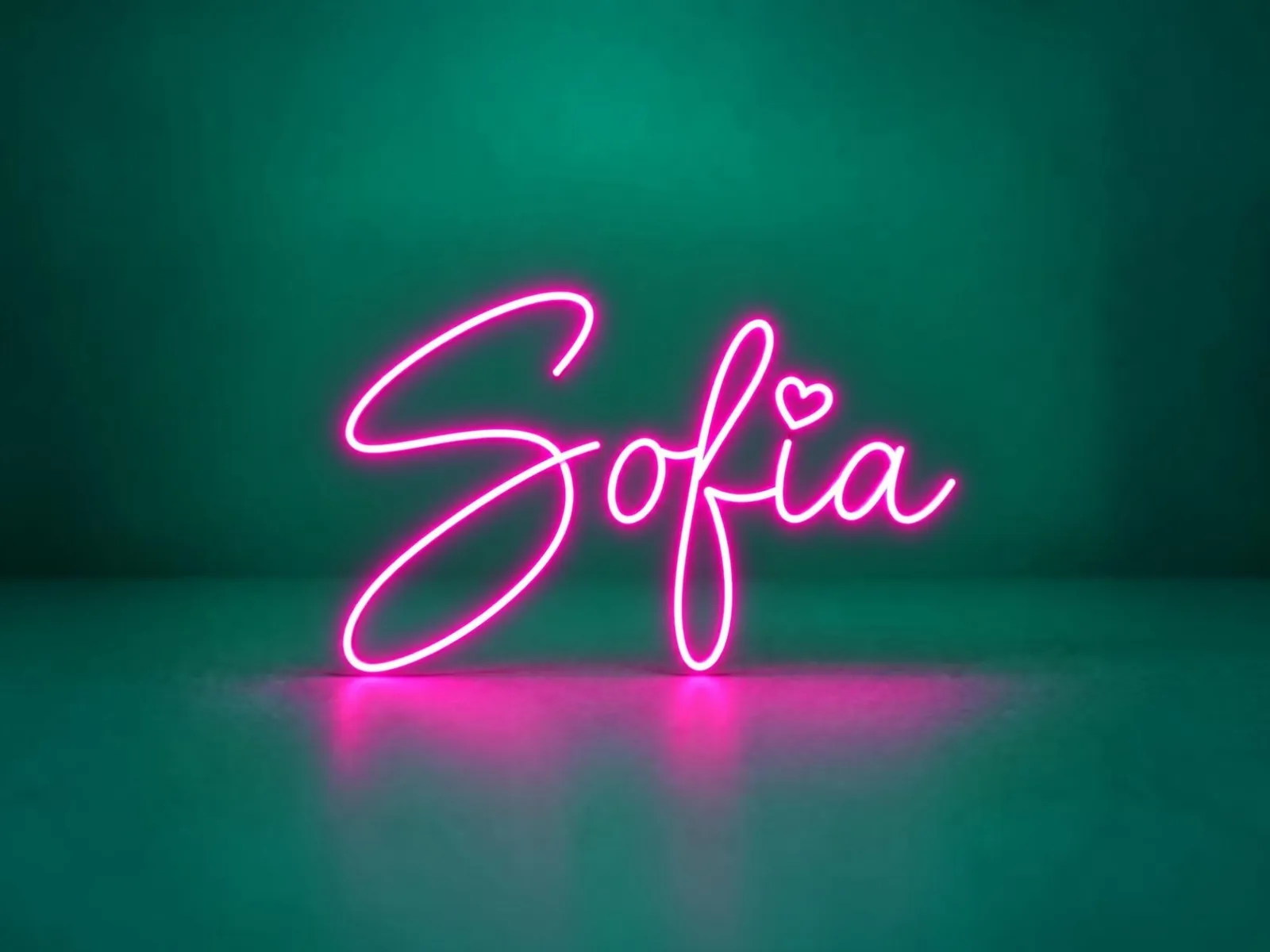
See it in action
Type a name, pick a font, drag letters into place, preview the glow and choose your LED strip, body and printer. Then download numbered STL pieces with an assembly guide and a 1:1 SVG template.
How it works
- 01
Type up to four lines and choose one of 21 fonts, or upload your own. Or upload a logo or drawing (SVG). Drag any letter or part to move it or overlap it.
- 02
Pick your LED neon strip size and a plate, solid or channel body.
- 03
Choose your printer, so large signs are split into bed-sized pieces with connectors.
- 04
Check the layout and glow previews, then download the pieces or the SVG template.
Guides for Neon Sign
Questions
What is in the download?
The pieces ZIP has a centered STL for every numbered piece, an assembly picture that shows where each numbered piece goes, a 1:1 SVG template, your settings and instructions. You can also download the SVG template on its own.
What if my sign is bigger than my printer?
Choose your printer and Volucore splits the sign into numbered pieces that fit its bed, with connectors so the pieces line up when you assemble them.
What is the difference between single-line and outline fonts?
A single-line font gives one neon path that follows the pen stroke, like handwriting, and can run the letters of a word into one continuous tube. An outline font gives two paths, around both edges of every letter; when letters overlap they share one line.
Can I test the strip fit before printing the whole sign?
Yes. Download the fit-test STL, a short channel sample built from your strip and body dimensions, and check that your LED neon strip fits.
Can I make a neon sign from my logo or drawing?
Yes. Upload an SVG and Volucore fits it to your LED neon strip: thin strokes get one neon line along the middle, thick shapes get neon around their edges, corners are softened to what the strip can bend, and details too small for the strip are left out. The file stays on your device; only the neon paths are sent when you download. It works best with line art, logos in one to three flat colours and text converted to outlines; cartoons with many colours come out busier. Text in the file must be converted to outlines first.
Can I use my own font?
Yes. Your font file stays on your device. Only the outlines needed for your design are sent when you download.
Is it free?
Sign in with Google or your email address to get a free monthly download allowance, shared by every Volucore tool. Each download, including the pieces ZIP, uses one download.
Ready to make yours?
Design it in your browser, then download a print-ready file.
Start with Neon Sign