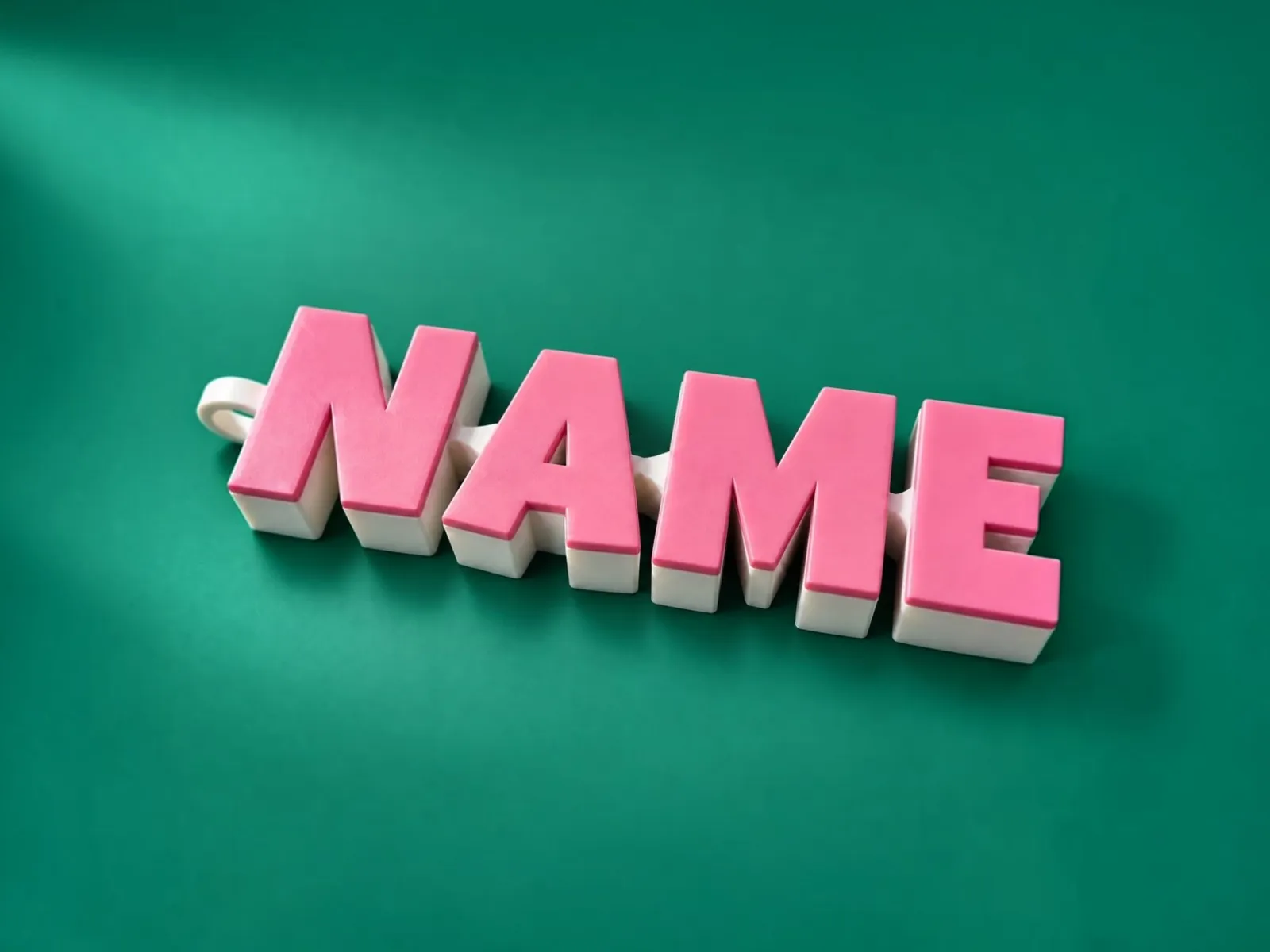
 ARTICULATED NAME KEYCHAIN
01Personalization
Keychain
Turn a name into an articulated keychain. Choose your lettering, shape the connections, and download your design for 3D printing.
- 34 fonts
- Moving joints
- STL & 3MF
Small ideas.
Real things.
Tools to turn your ideas into objects. Create in your browser. Make it on your printer.
ARTICULATED NAME KEYCHAINTurn a name into an articulated keychain. Choose your lettering, shape the connections, and download your design for 3D printing.
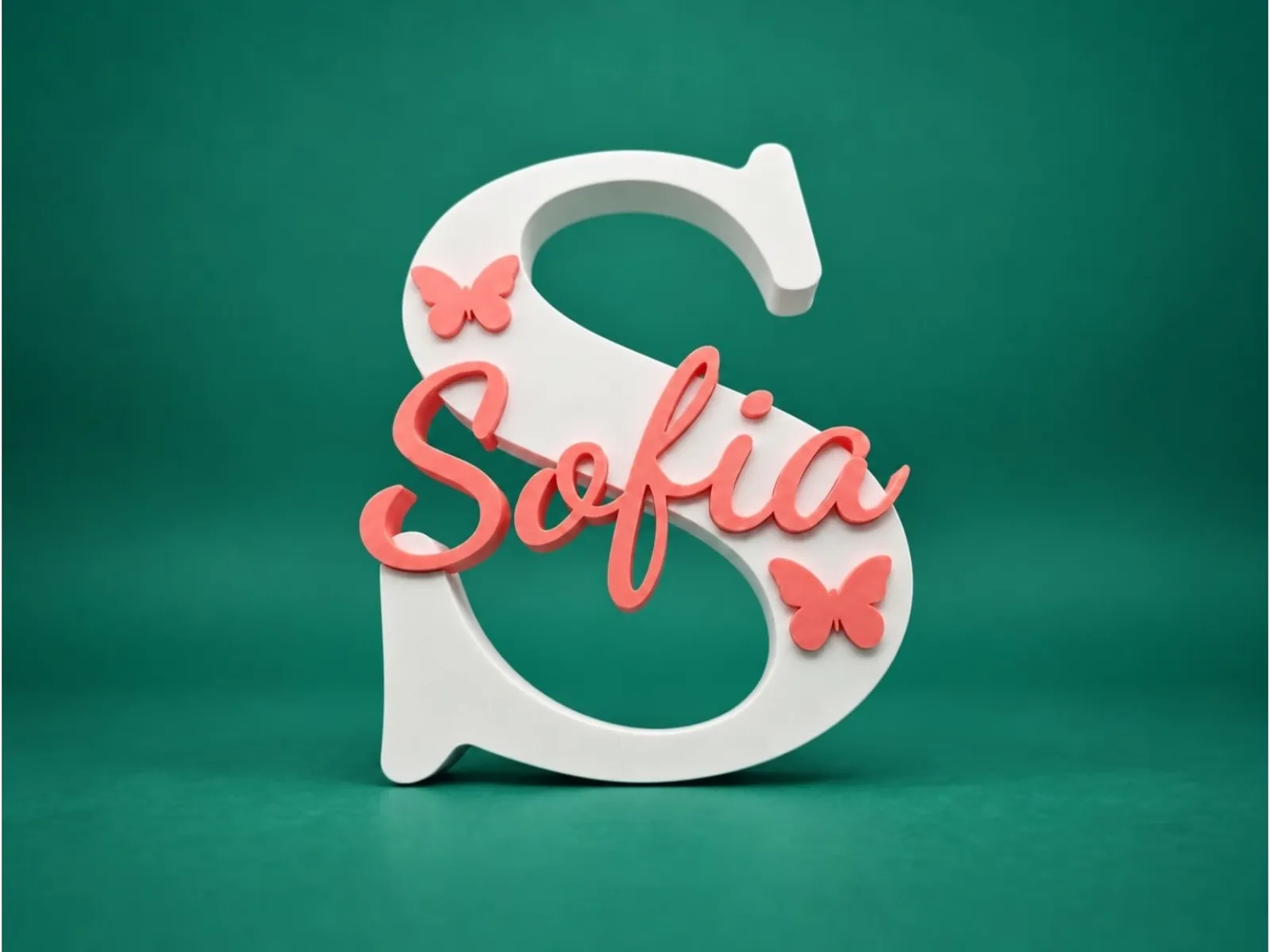 PERSONALIZED NAME SIGN
Create a letter or shape with names and icons inlaid inside it. Set each color and dimension, then make a personalized sign for your shelf, desk or wall.
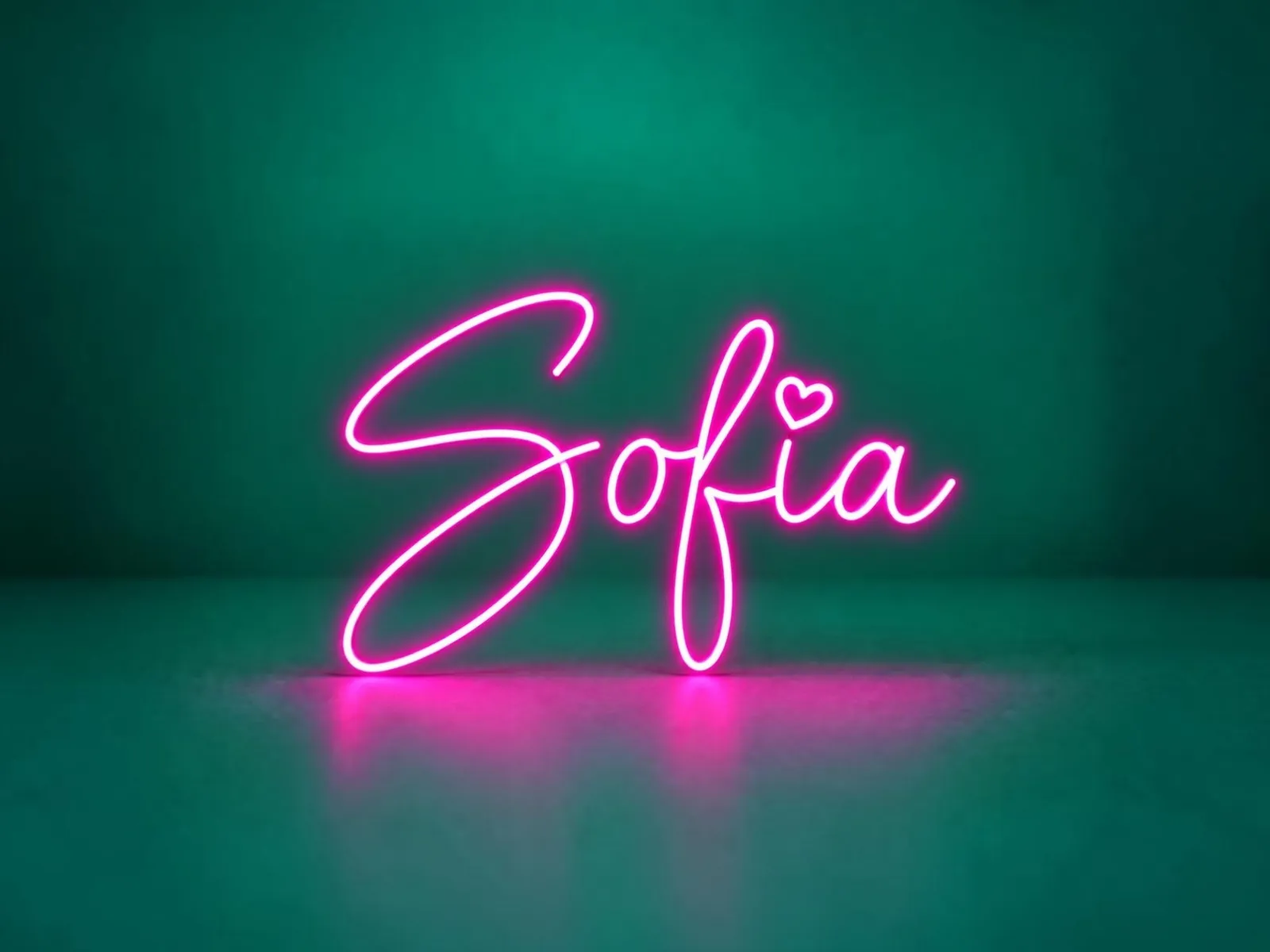 PRINTABLE NEON SIGN
Turn a name into a neon sign with fitted LED channels, hidden connectors and numbered pieces sized for your printer.
 LED CHANNEL LETTERS
Turn a word or your logo into light-up channel letters. Set the walls, lid and LED strip, see it glow in 3D, and download print-ready STL and laser-ready DXF files.
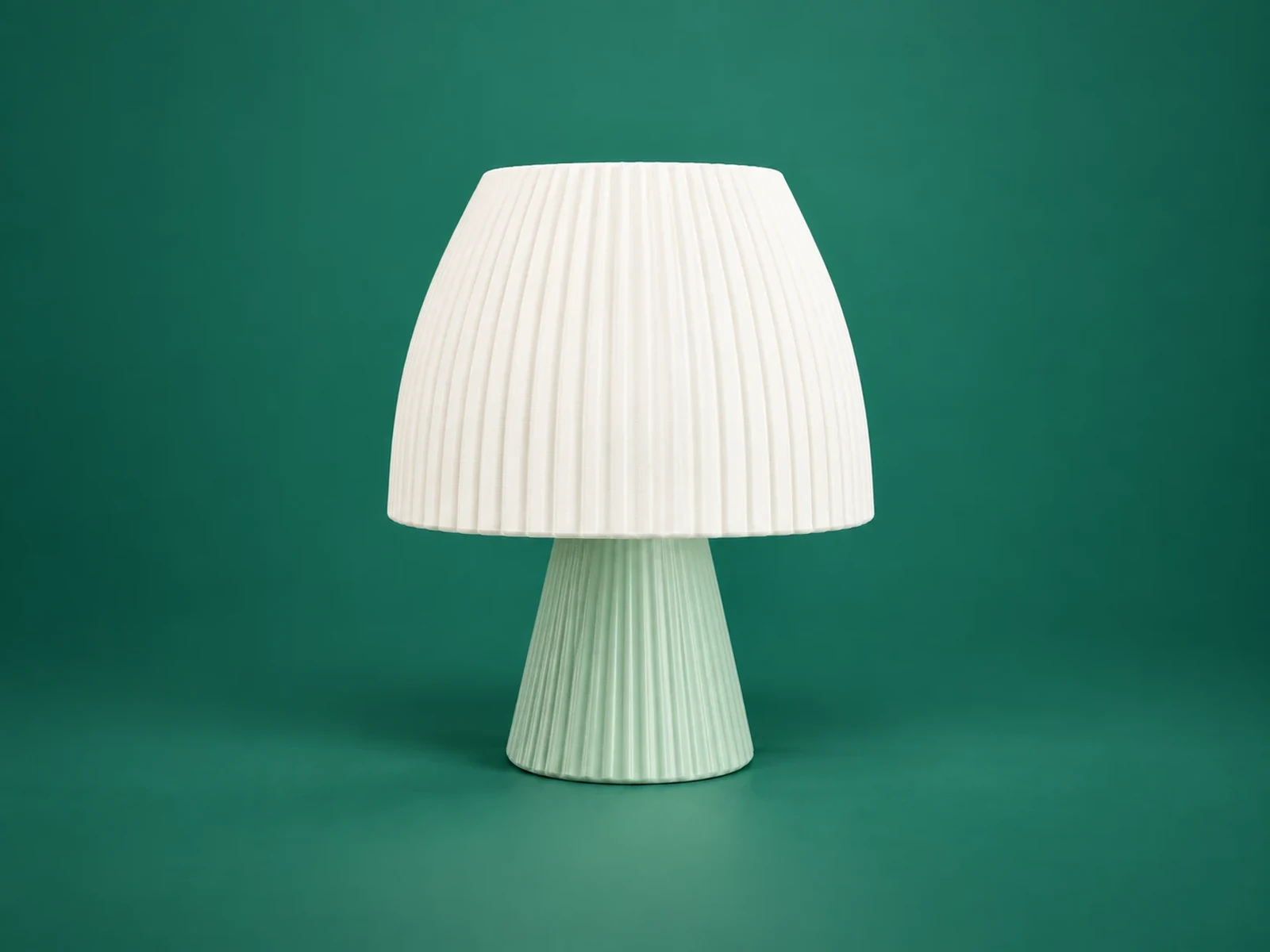 PARAMETRIC TABLE LAMP
Design a table lamp from 58 shapes. Set the height, wall and E14 or E27 opening, see it in 3D, and download printable shade and base files.
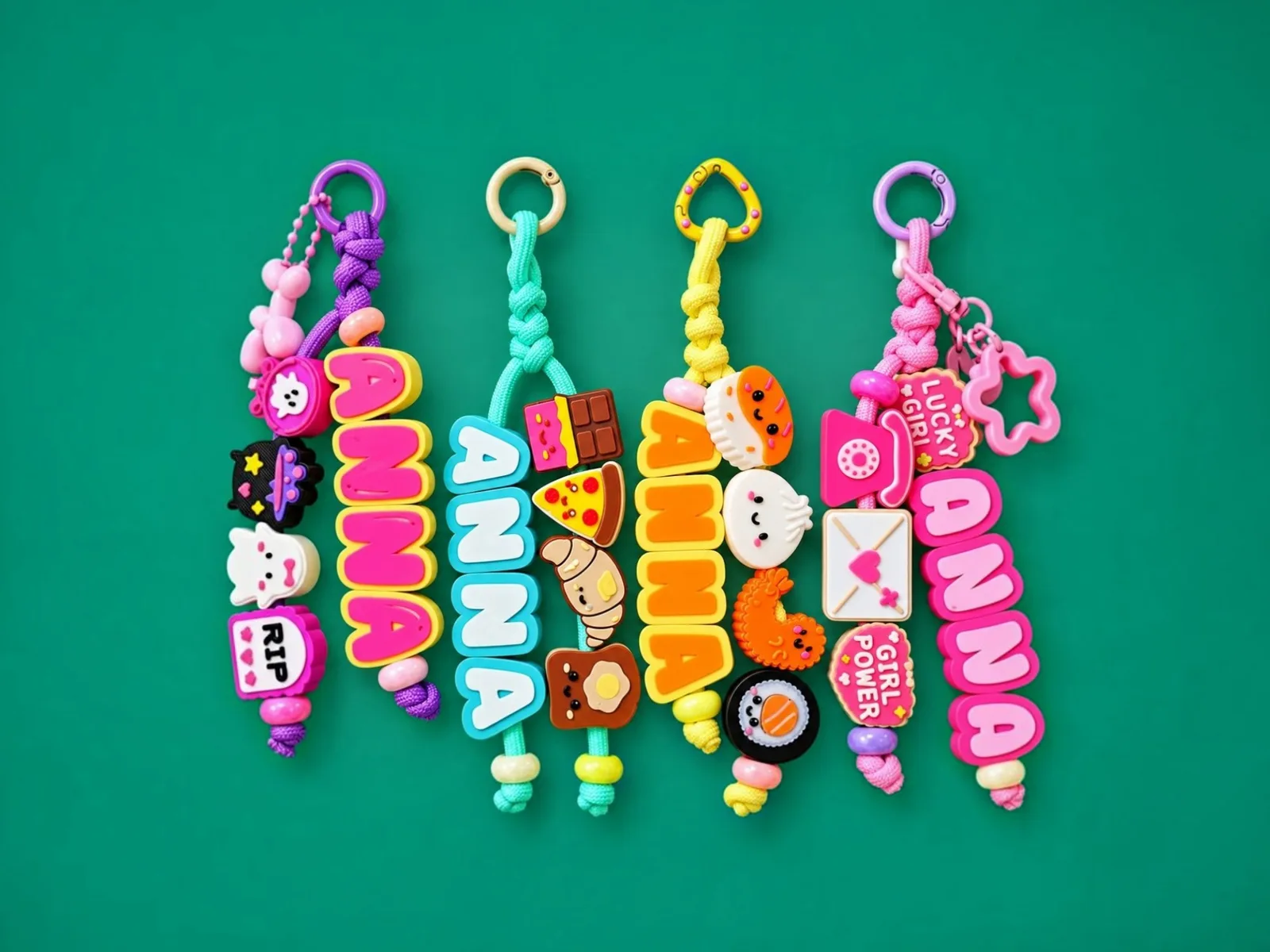 NAME BEADS & CHARMS
Spell a name in chunky threaded letter beads and add cute charms. Pick fonts, sticker alphabets and colors, then print it in multicolor and string it on a cord.
The same engine shows you the model and builds the file, so what you approve on screen is what your printer gets.
Every change shows up in 3D as you make it, with the real size in millimeters.
Set heights, walls, clearances and joints exactly. Files open at real size in your slicer.
Colors are assigned to filaments inside the file, with a layout for each slicer.
Closed solids, printer-sized pieces, numbered parts and hidden connectors where a design needs them.
STL and 3MF open in Bambu Studio, OrcaSlicer, PrusaSlicer, Cura and Creality Print. DXF and SVG for laser cutting.
Try every tool in your browser. Free downloads every month; paid plans add more and let you sell what you print.
Pick a tool, type a name or drop in a logo, then set every detail: font, size, colors, joints.
Turn the model around as you work. What you see is what the file contains.
Choose STL or 3MF, open it in your slicer and press print.
Plans differ in monthly downloads and in what you may do with what you print.
Free every month
More downloads
Sell what you print
Priority support and early access
 How to Make a 3D-Printed LED Neon Sign: The Complete GuideStep by step: choose an LED neon strip, design the sign, split it into printable pieces, print, assemble, wire and mount it. With real numbers from a 610 × 355 mm example.How to Make 3D-Printed LED Channel Letters (Light-Up Letters)Design and print light-up channel letters: walls, depth, lid style, LED strip fit, wire holes, logo upload, and the STL, DXF and SVG files you get.Multicolor 3MF Files: How to Print Names in Colour in Bambu Studio, OrcaSlicer, Cura and PrusaSlicerWhat a multicolor 3MF is, how each slicer reads it (Bambu Studio, OrcaSlicer, Creality Print, Cura, PrusaSlicer), how many filaments you need and what to do on a single-colour printer.
Volucore is a set of free-to-try design tools that run in your browser and turn a name, a word or a shape into files for your 3D printer.
Volucore is a set of browser-based design tools for 3D printing. You type a name or choose a shape, adjust every detail in millimetres, see the result in 3D and download print-ready files (STL, 3MF, DXF or SVG) for your own printer. There is nothing to install.
You can try every tool in your browser. Downloads are free every month with a Google or email account, and paid plans give more downloads and the right to sell what you print. The pricing page lists the current plans.
No. Each tool runs in your web browser and builds the design from the choices you make, such as the text, the font, the size and the colours. You only need a slicer, the program that prepares a model for your printer.
Any 3D printer that prints from standard STL or 3MF files. The files open in Bambu Studio, OrcaSlicer, PrusaSlicer, Cura and other slicers. Multicolor 3MF files open already painted in slicers that read 3MF colours.
Start with the troubleshooting section. It explains prints that do not stick, stringing, warping, supports, bridges, models that do not fit, broken files, thin walls, gaps in the top layers and slow prints, with real slicer screenshots.
The pricing page and the terms explain what each plan allows, including selling printed items. Read them before you sell.
Open a tool, make it yours and download the files in minutes.
Volucore is made by an independent developer. Your support makes it easier to add more tools and helps cover the developer's and hosting costs.