STL, 3MF, SVG, DXF: Which File Do You Need for 3D Printing?
You will meet several file types when you make things with a 3D printer and a design tool. They look similar from the outside but each one stores something different, and choosing the right one saves you from missing colours, wrong sizes or files your machine cannot open. Here is what each is for, and how to fix the most common problems.
The short version
| Format | Stores | Use it for |
|---|---|---|
| STL | A 3D surface mesh. No colours, no units in the file. | Printing a part in one colour, in any slicer. |
| 3MF | A 3D model with parts, colours and units. | Multicolor prints. Opens already painted in many slicers. |
| SVG | 2D vector shapes. | Templates, vinyl cutters, laser cutting and importing artwork. |
| DXF | 2D drawing used by CAD and laser cutters. | Laser-cut faces and backs, CAD import. |
| SCAD | OpenSCAD code that builds a model. | Editing the model in OpenSCAD. |
STL
The oldest and most widely supported 3D printing format. It describes the outer surface as many small triangles. It works in every slicer. It stores no colour and no units, so a slicer assumes millimetres; Volucore files are in millimetres. Use STL when you print in one colour, or when you want each piece as a separate file.
3MF
A modern format that stores a model as objects, with colours, units and sometimes print settings. A multicolor 3MF carries each colour as its own part, so Bambu Studio, OrcaSlicer and similar slicers open it already painted. See the multicolor 3MF guide for how each slicer reads it.
SVG
SVG describes shapes as paths, not triangles. It is a 2D format. Volucore uses it for templates that you print on paper and compare to your printed sign at 1:1, and for outlines you can send to a vinyl cutter. You can also upload an SVG as your own artwork or logo. SVGs need filled shapes to be read as solid parts.
DXF
DXF is a drawing format that CAD programs and laser cutters read. The LED Letters tool exports DXF files for a laser-cut face and back, so you can make letters from acrylic or wood to match your printed ones.
Which Volucore tool exports what
| Tool | Files |
|---|---|
| Keychain | STL, and 3MF with colours |
| Name Sign | 3MF, STL, parts ZIP and OpenSCAD |
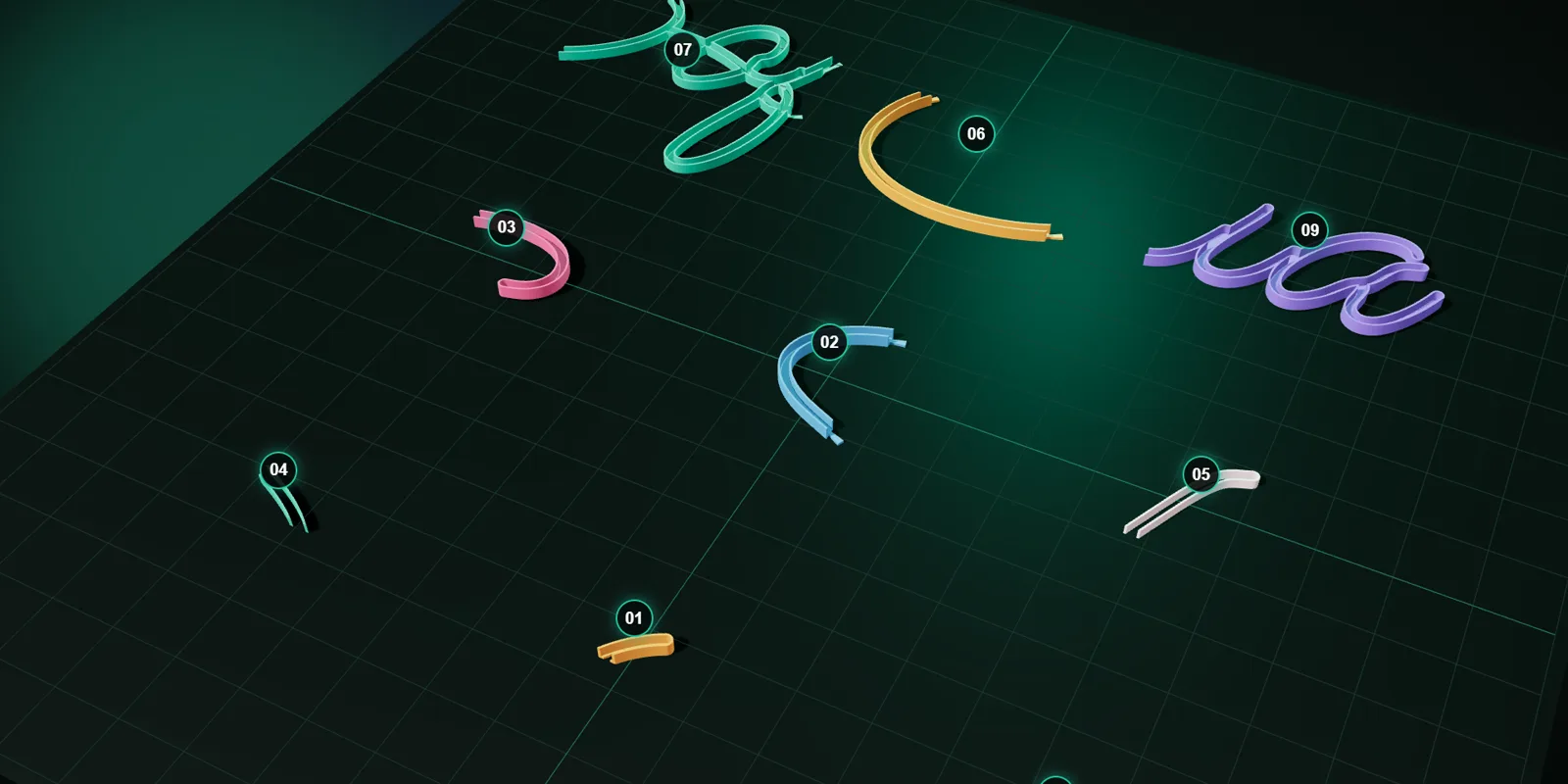
| Neon Sign | A ZIP with one STL per piece, an assembly guide and an SVG template |
| LED Letters | STL for body and lid, DXF for face and back, SVG outline |
| Lamp Studio | A ZIP with shade and base STL, and settings JSON |
| Name Beads | Multicolor 3MF, or one STL per filament |
How to choose
- Printing in one colour: STL.
- Printing in several colours: 3MF.
- Making a paper or vinyl template: SVG.
- Cutting letters with a laser: DXF.
- Want to edit the model in code: SCAD.
How slicers use these files
A slicer reads the 3D file, lets you place it on the virtual bed, and creates the instructions for your printer (G-code). STL and 3MF are the two formats a slicer opens as models. SVG and DXF are 2D formats; slicers can sometimes import an SVG and extrude it, but they are mostly used by other tools: cutters, CAD programs and paper templates.
File size and quality
- An STL stores a mesh of triangles. A smoother curve needs more triangles and a larger file. That is why STLs of curved lettering can be big.
- A file that looks smooth in the preview can be faceted if the mesh is coarse. The tools build their meshes at a resolution suited to printing, so you do not need to adjust them.
- Do not “repair” or simplify a file unless your slicer reports a problem. Re-saving through another program can change units or lose colours.
Common problems and fixes
| Problem | Cause | Fix |
|---|---|---|
| The model is tiny or huge | Wrong units | Set the import units to millimetres. |
| No colours in the slicer | Opened an STL, or a slicer that does not read 3MF colours | Open the 3MF made for your slicer, or use the parts ZIP and set colours yourself. |
| The slicer says the model has errors | Mesh problems after editing | Use the file straight from the tool; avoid re-saving it in other programs. |
| Laser cutter rejects the DXF | Units or layers differ | Check the units setting in the cutter software; DXF from the tool is in millimetres. |
| SVG imports as an outline only | The SVG has strokes, not filled shapes | Convert strokes to filled shapes in a vector editor before uploading. |
Examples from real projects
- A neon sign: a ZIP of STL pieces for your printer, plus an SVG template you can print on paper and hold against the printed sign to check the size.
- A name sign for a nursery: a multicolor 3MF that opens already painted in Bambu Studio.
- A lamp: two STL files, the shade and the base, in a ZIP with a JSON of your settings.
- Light-up letters: STL for the printed body and lid, and DXF files if you want acrylic faces cut by a laser.
Questions people ask
Why does my slicer show no colours?
You probably opened an STL, which has no colours. Open the 3MF made for your slicer, or use the parts ZIP.
Can I convert STL to 3MF?
You can, but the conversion cannot add colours. Download the 3MF directly from the tool.
What is the difference between SVG and DXF?
Both are 2D. SVG is a general vector format used for artwork and templates; DXF is a CAD drawing format that laser cutters read.
Which format is best for a single-colour print?
STL. It works in every slicer and every printer.
Keep reading
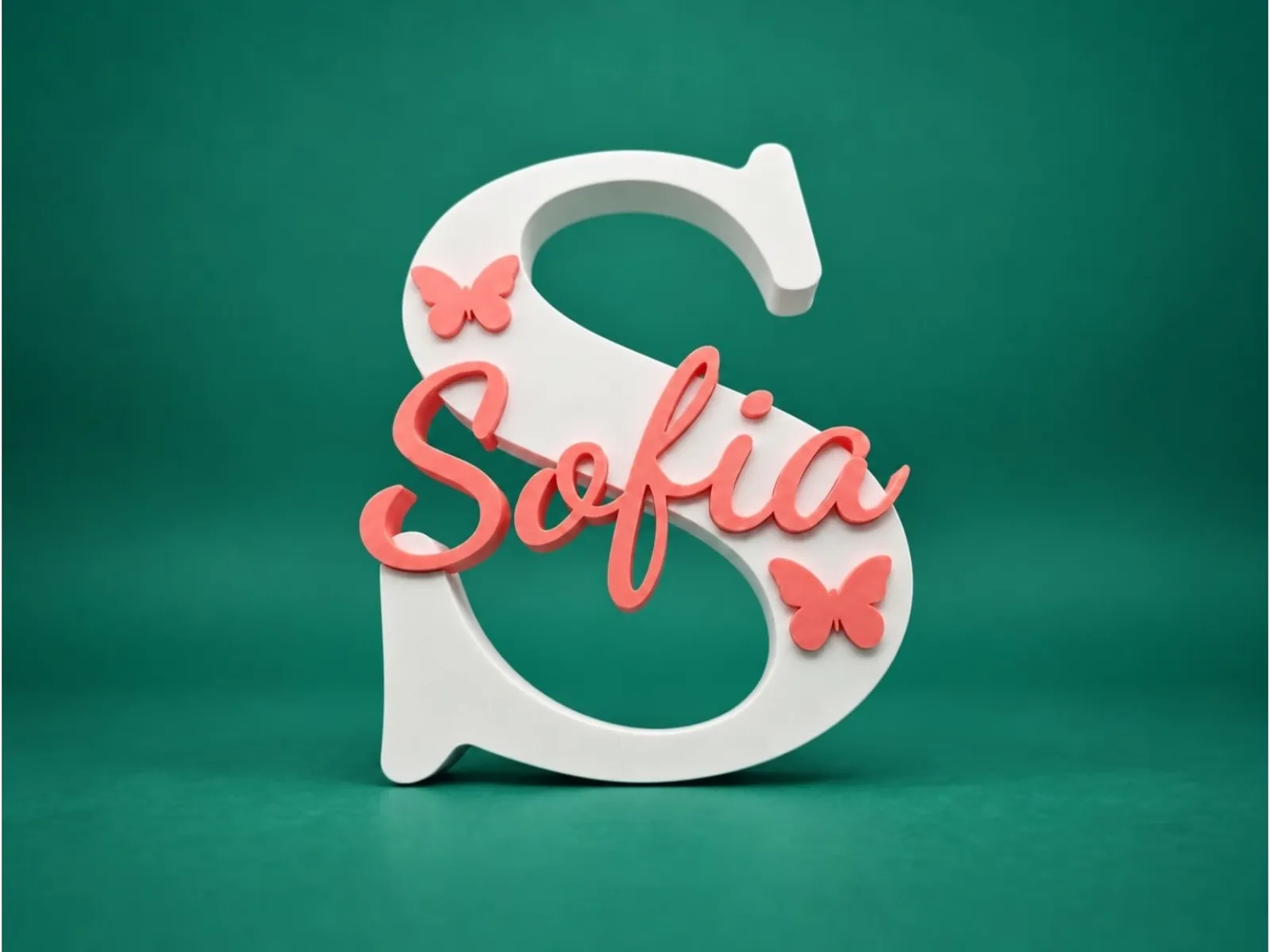 Multicolor 3MF Files: How to Print Names in Colour in Bambu Studio, OrcaSlicer, Cura and PrusaSlicerWhat a multicolor 3MF is, how each slicer reads it (Bambu Studio, OrcaSlicer, Creality Print, Cura, PrusaSlicer), how many filaments you need and what to do on a single-colour printer.
 How to Make a 3D-Printed LED Neon Sign: The Complete GuideStep by step: choose an LED neon strip, design the sign, split it into printable pieces, print, assemble, wire and mount it. With real numbers from a 610 × 355 mm example.3D Printing Glossary: The Terms Used in Our GuidesPlain-language definitions of 3D printing terms: bed, perimeter, infill, layer height, slicer, bridging, supports, brim, clearance, STL, 3MF, dovetail, diffuser and more.
Written and checked by the Volucore team against the behaviour of our tools. Spotted a mistake or something out of date? Tell us and we will fix it.