PERSONALIZATION · FREE 3D PRINTING TOOL
Personalized name sign maker for 3D printing
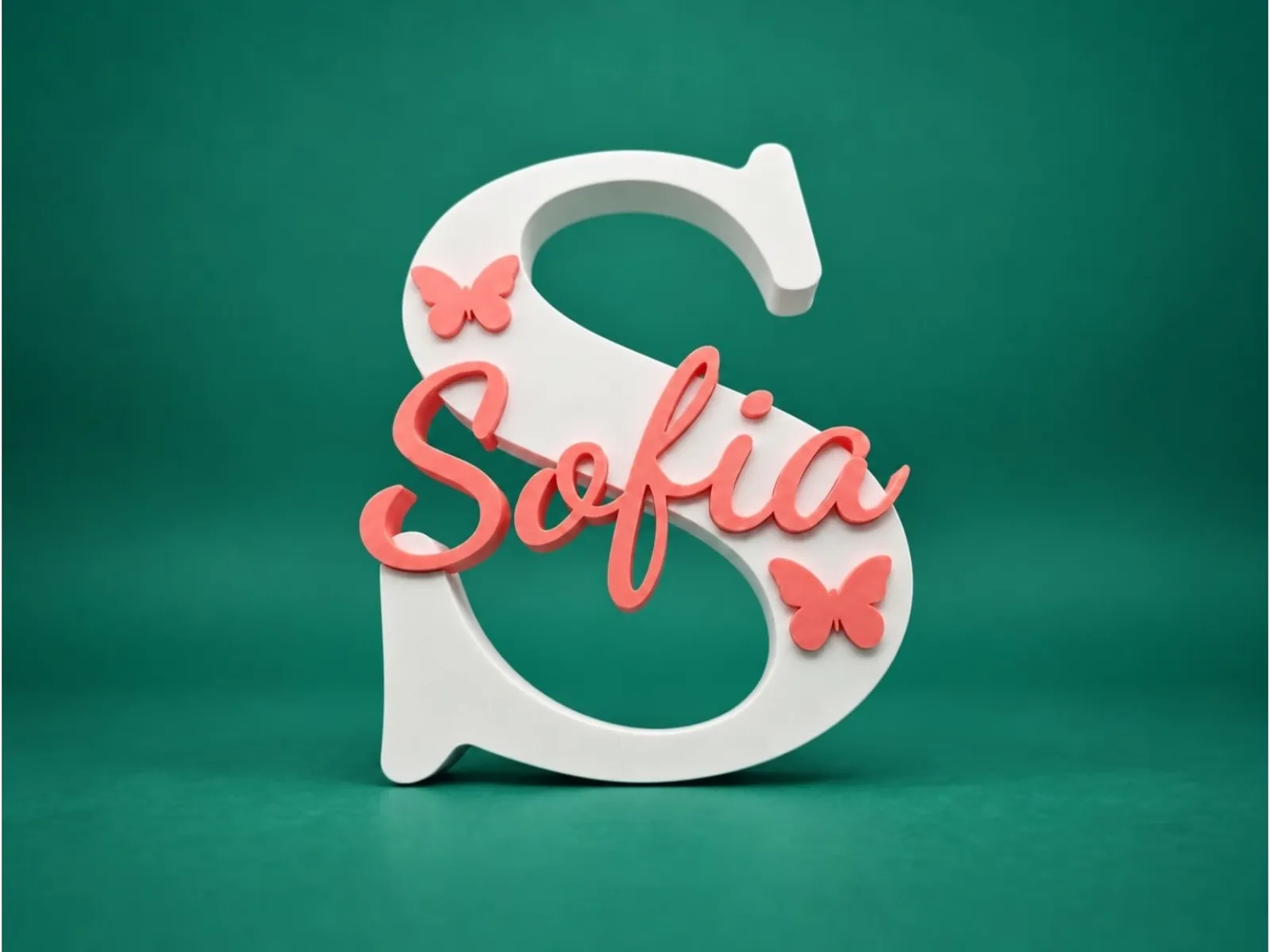
Put a name inside a big initial, a heart or any shape. Add more names and icons, give each its own font, size and color, and download a multi-color file that opens already painted in your slicer. Perfect for nursery decor, desk nameplates, weddings, birthdays and made-to-order gifts.
- 58 fonts
- Names & icons
- 3MF, STL, ZIP & SCAD
Free monthly downloads with a Google or email account.
How it works
- 01
Enter a main letter, or pick an icon or your own SVG as the base.
- 02
Add names and icons, and choose a font for each from 58 faces, including 29 illustrated alphabets, or your own .ttf.
- 03
Set the letter height, sizes, depth and inlay depth in millimeters, and drag pieces into place.
- 04
Choose your colors and download a colored 3MF, an STL, a parts ZIP or OpenSCAD.
Guides for Name Sign
Questions
What are the illustrated fonts?
29 hand-drawn alphabets (animals, princesses, Halloween and more). Used for the big letter, the drawing is inlaid in its own colors, one piece per color that you can change. Names in an illustrated font keep the letter shapes in one color.
How does multi-color printing work?
The base has a recess milled into its face, and every name and icon is its own inlay piece. The 3MF carries each piece as its own object in its color, so Bambu Studio, OrcaSlicer, Creality Print and Cura open it with one filament per color. On a single-color printer, print the parts separately and glue them, or use Separated Mode.
Which slicers are supported?
Bambu Studio, OrcaSlicer and slicers built on them (Creality Print, Anycubic Slicer Next, ElegooSlicer, QIDI Studio) read the colors from the 3MF. Cura puts each piece on its own extruder. PrusaSlicer and SuperSlicer have their own 3MF download with every piece on its own extruder; they do not read colors from files, so set the filament colors in the slicer. STL and the parts ZIP work in any slicer.
Can I add icons or my own artwork?
Yes. Search more than 2,000 Material Icons or upload your own SVG. Each icon becomes its own printable piece with its own size, position and color. SVGs need filled shapes.
Can the base be a shape instead of a letter?
Yes. Choose a heart, a star, a paw print or any icon, or upload an SVG. The name is inlaid into that shape exactly as it would be into a letter.
Which print settings work well?
0.16–0.20 mm layers, 15% gyroid infill and 3 perimeters. Use PLA indoors and PETG where it needs to last. Print face-down with no supports, and turn on ironing for a smooth top.
Can I sell what I print?
It depends on your plan. The Terms page explains what your account includes for selling printed items.
Is it free?
Sign in with Google or your email address to get a free monthly download allowance, shared by every Volucore tool. Each completed export, including a parts ZIP, uses one download.
Ready to make yours?
Design it in your browser, then download a print-ready file.
Start with Name Sign