Why Is My 3D Print Taking So Long? Measured Effect of Infill, Walls and Layer Height
A beginner often thinks that a thicker layer height is the way to a quick print. We measured it. We sliced the same 60 mm solid cube with ten different combinations of layer height, infill and walls, and wrote down PrusaSlicer’s own estimate for each. The result is not what most people expect: infill and walls matter far more than layer height.
Where the time goes
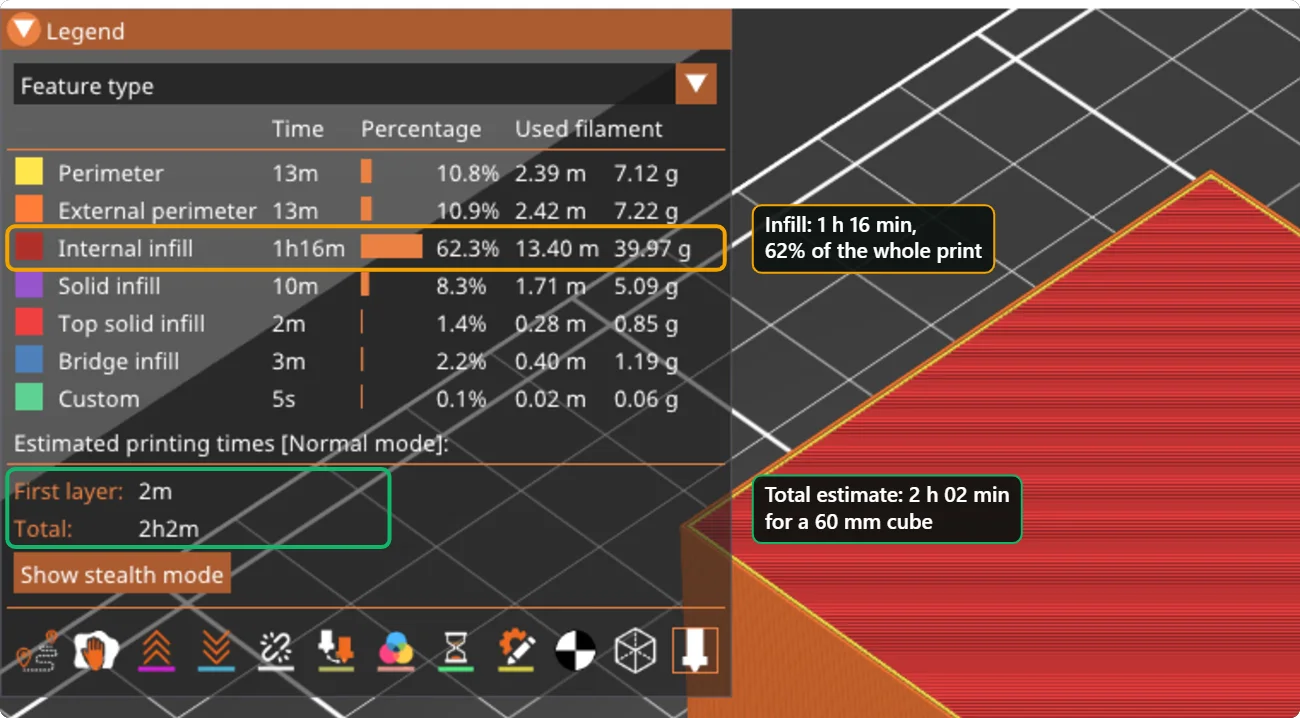
The estimated time for the 60 mm cube with the profile defaults (0.20 mm layers, 15 % infill, 2 walls) is 2 hours 2 minutes and 61.5 g of plastic. The legend in the picture above breaks the time down by feature. The inside of the cube, the infill, takes 1 hour 16 minutes, which is 62 % of the print. The outer walls and perimeters take 26 minutes together. The solid layers at the bottom and top, and the bridges, take about 15 minutes together.
The ten runs
| Settings | Estimated time | Plastic |
|---|---|---|
| Baseline: 0.20 mm layers, 15 % infill, 2 walls | 2 h 02 min | 61.5 g |
| Layer height 0.10 mm | 2 h 23 min | 60.3 g |
| Layer height 0.15 mm | 2 h 07 min | 60.7 g |
| Layer height 0.28 mm | 1 h 58 min | 61.5 g |
| Infill 5 % | 1 h 16 min | 37.3 g |
| Infill 30 % | 3 h 11 min | 97.0 g |
| Infill 50 % | 4 h 45 min | 146.1 g |
| 4 walls instead of 2 | 2 h 23 min | 72.7 g |
| 4 walls, 30 % infill, 0.10 mm layers | 4 h 00 min | 106.6 g |
| Draft: 0.28 mm layers, 5 % infill, 2 walls | 1 h 14 min | 37.3 g |
What the numbers say
- Infill is the biggest lever. Going from 15 % to 5 % takes the cube from 2 h 02 to 1 h 16, and saves 24 g of plastic. Going to 50 % more than doubles the time to 4 h 45.
- Layer height barely changes the time in this profile. Halving the layer height from 0.20 to 0.10 mm adds only about 21 minutes (17 %), and making it 0.28 mm saves only about 5 minutes. The likely reason is that a hotend can melt only so much plastic per second: a thicker layer needs more plastic per millimetre of movement, so the slicer slows the moves down. The total amount of plastic is almost unchanged.
- Extra walls cost time and plastic. Four walls instead of two add 20 minutes and 11 g.
- Combine the settings with care. Strong and fine (4 walls, 30 %, 0.10 mm) takes twice as long as the default.
- The quick draft (thicker layers and 5 % infill) takes 1 h 14, about 40 % less time than the default.
How to speed a print up without ruining it
- Reduce infill first. For decoration, 5 to 10 % is enough. For parts that carry load, increase walls before infill.
- Keep layer height at 0.20 mm unless you need fine detail. It is a good balance of speed and quality.
- Print several parts at the same time only if they fit close together; long travel between them adds time and strings.
- Use the profile made for your printer. Manufacturer profiles are tuned to the speed the machine can really reach.
- Check the estimate before you start. Both slicers show the time in the preview. Change one setting at a time and watch the number move.
Three presets to start from
| Goal | Settings | Estimated time for the test cube |
|---|---|---|
| Quick draft | 0.28 mm layers, 5 % infill, 2 walls | 1 h 14 min |
| Everyday standard | 0.20 mm layers, 15 % infill, 2 walls | 2 h 02 min |
| Strong and fine | 0.10 mm layers, 30 % infill, 4 walls | 4 h 00 min |
A draft is good for fit checks. The standard preset is right for most prints. Use the strong and fine preset only for the final copy of a part that needs it.
Do not just raise the speed
A faster printer can make the same part in less time, but pushing the speed beyond what the machine and the hotend can handle shows up as ringing (ripples behind corners), weak layers and under-extrusion. The profile made by the printer’s maker is already tuned to a speed that works, so use it as the base and change the infill and walls first.
Questions people ask
What infill percentage should I use?
For display parts, 5 to 10 %. For ordinary functional parts, 15 to 20 %. Raise walls rather than infill when a part needs to be stronger.
Is a thicker layer faster?
In our measurement only slightly, because the printer’s plastic flow is the limit. A much thicker layer on a printer with a fast hotend would save more, but it gives a rougher surface.
Does the number of walls matter more than infill?
For strength, yes: walls give more strength per gram than infill. For time, infill usually costs more.
Keep reading
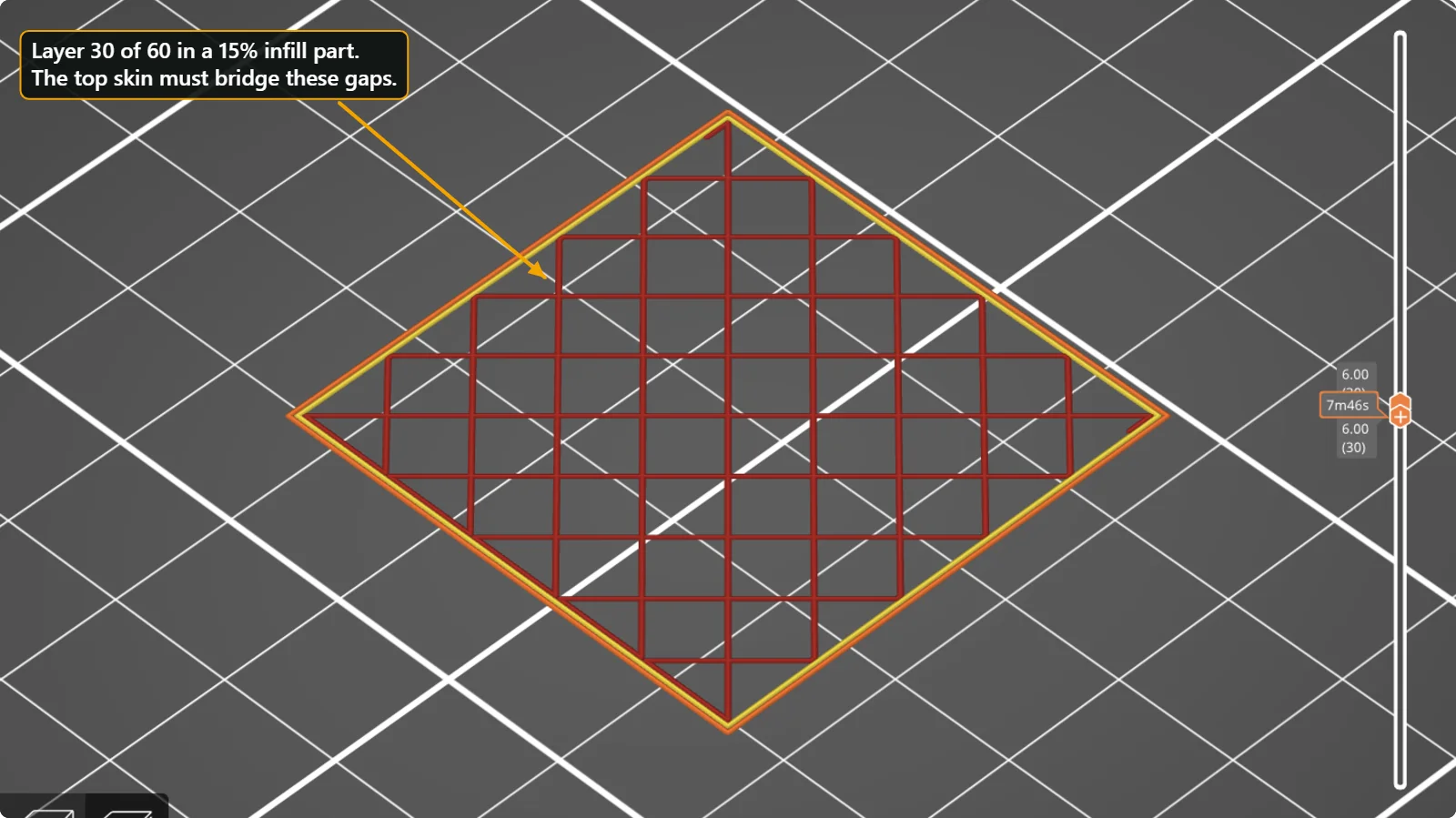 Holes and Gaps in the Top Layers of a 3D Print (Pillowing) and How to Fix ThemWhy the top surface of a print looks rough or has gaps over the infill, and which settings fix it: top solid layers, top shell thickness, infill density, cooling and flow. Real values from PrusaSlicer and Bambu Studio.
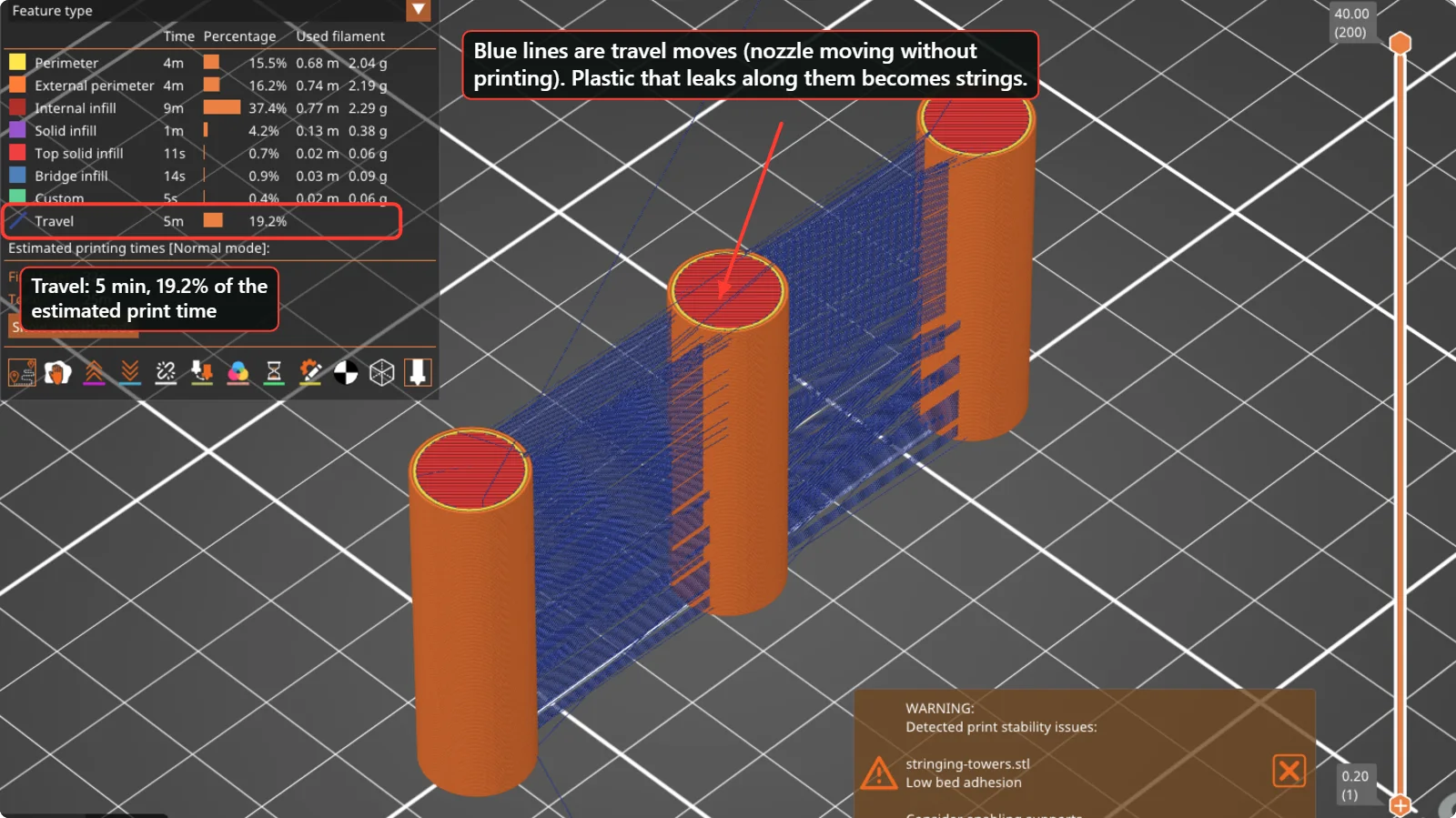 How to Fix Stringing and Oozing in 3D PrintsThin hairs between parts are caused by plastic leaking while the nozzle travels. Check wet filament, temperature, retraction and travel moves in this order, with real PrusaSlicer and Bambu Studio settings.
 3D Printing Glossary: The Terms Used in Our GuidesPlain-language definitions of 3D printing terms: bed, perimeter, infill, layer height, slicer, bridging, supports, brim, clearance, STL, 3MF, dovetail, diffuser and more.
Written and checked by the Volucore team against the behaviour of our tools. Spotted a mistake or something out of date? Tell us and we will fix it.