Thin Walls and Tiny Details Not Printing? Know Your Printer’s Minimum
A thin fin, a slim letter or a delicate pattern can vanish from a print, or come out thicker than in the design. This is not a fault. It follows from how a printer draws: it lays down lines of plastic with a fixed width, and it cannot draw a line thinner than that. Once you know the width, you can design for it.
The nozzle sets the minimum
A standard nozzle has a 0.4 mm hole. The plastic line that comes out is a little wider than the hole, because it is flattened against the layer below. In our PrusaSlicer profile, the extrusion width is 0.45 mm. A wall in the model is turned into one or more of these lines, so a wall can only be about 0.45 mm, 0.9 mm, 1.35 mm and so on. A wall thinner than a single line is either printed as one line, which is thicker than you modelled, or dropped.
A test with five wall thicknesses
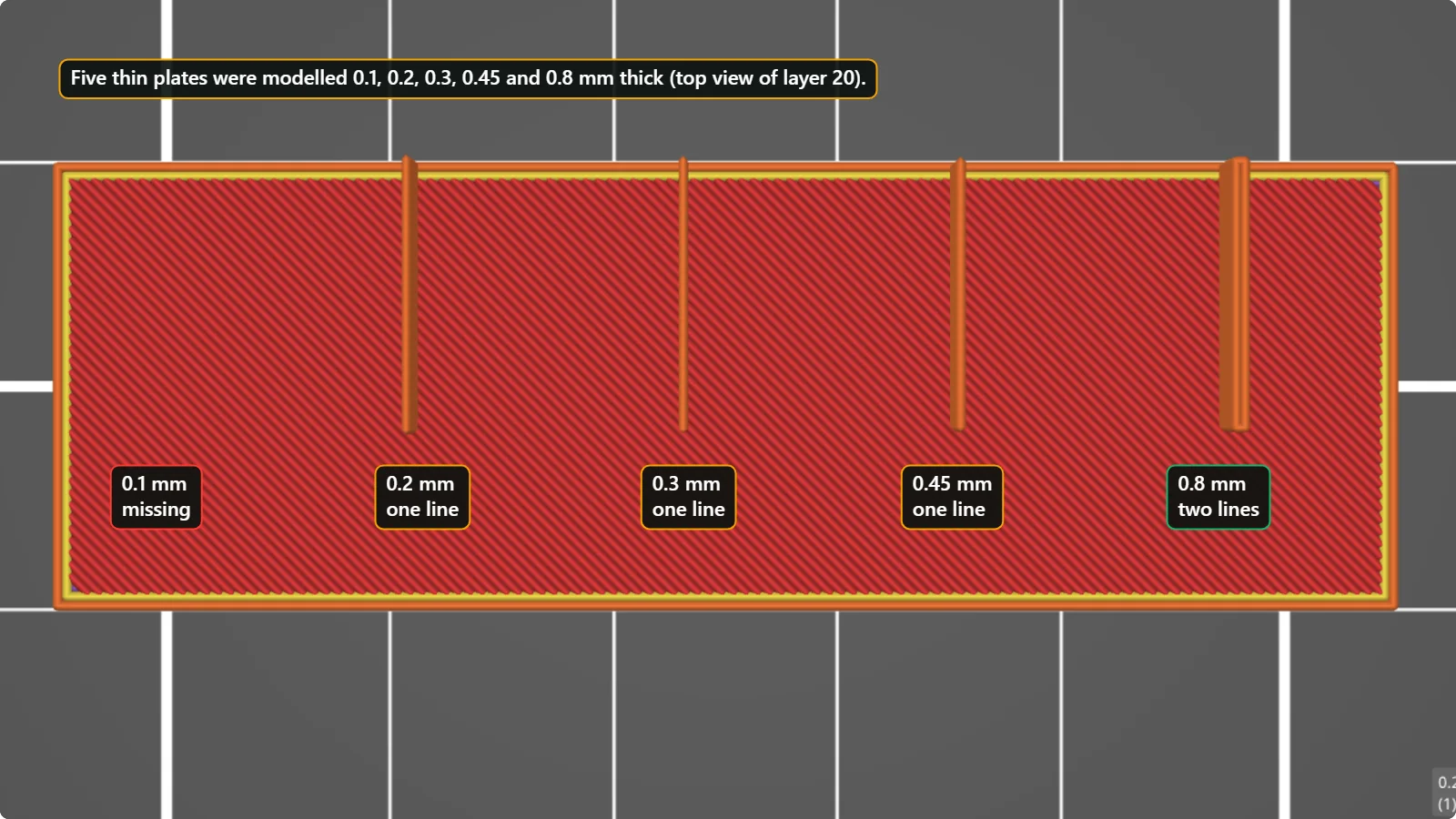
We modelled a base plate with five thin walls, 25 mm tall, with thicknesses of 0.1, 0.2, 0.3, 0.45 and 0.8 mm, and looked at the layer preview in PrusaSlicer. The 0.1 mm wall is missing. The 0.2, 0.3 and 0.45 mm walls each become a single line, which means the printed wall is about 0.45 mm thick, up to four times thicker than the model. The 0.8 mm wall is printed with two lines.
What the slicer tells you
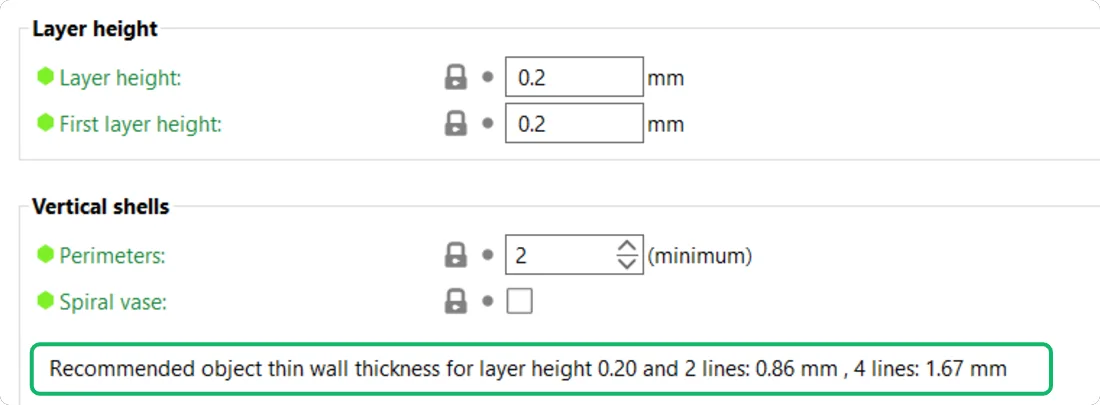
PrusaSlicer prints a hint on the Layers and perimeters page. For a layer height of 0.20 mm it says: “Recommended object thin wall thickness for layer height 0.20 and 2 lines: 0.86 mm, 4 lines: 1.67 mm.” Use that line as your design guide: a 2-line wall needs to be about 0.86 mm thick, and a 4-line wall about 1.67 mm.
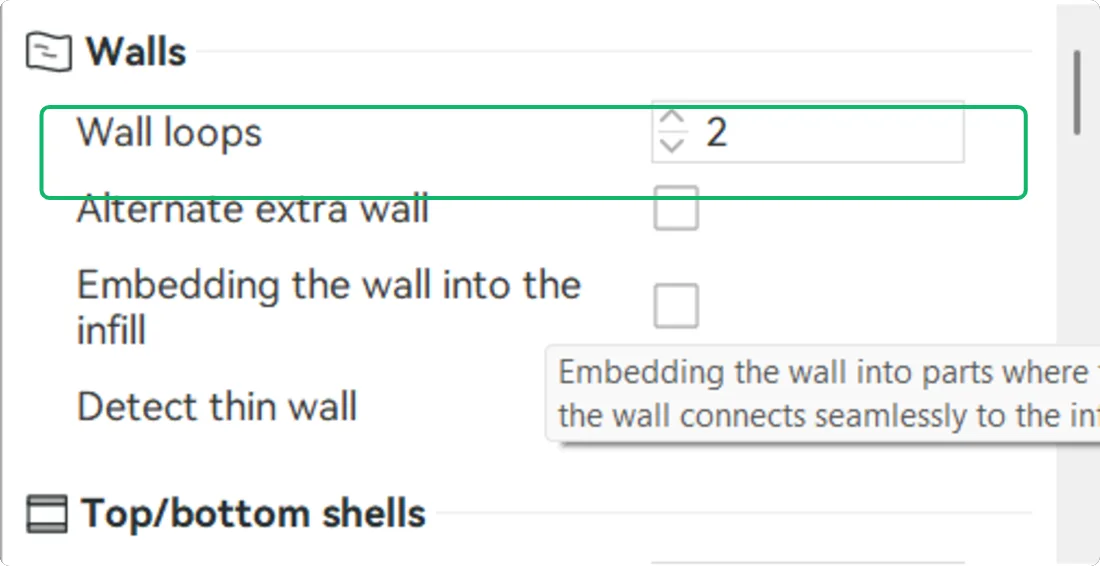
Bambu Studio has the same idea. Wall loops is 2 in our profile, so a normal wall is two lines thick. It also has a “Detect thin wall” option, which is off in this profile. Turn it on if you need walls thinner than two lines.
How to design for it
- Use multiples of the line width. For a 0.45 mm line use 0.9, 1.35 or 1.8 mm, so that the slicer can fill the wall with whole lines.
- Do not go below two lines for load-bearing walls. One line is fragile.
- Keep fine details bigger than the nozzle. Text and small ridges should be at least 0.6 mm wide, and raised by at least a couple of layers.
- Use a smaller nozzle. A 0.2 mm nozzle prints details half as wide, but it is slower and clogs more easily.
- Use thin walls only where the slicer supports them. “Detect thin wall” (Bambu) and “Detect thin walls” (PrusaSlicer, in Layers and perimeters; it is off in the profile we used) draw a single line where the wall is too narrow for two.
Text and lettering
Letters are a common place for this problem. A single-line font stroke that is only 0.5 mm wide is barely one line of plastic. Choose a bold font, make letters at least 8 to 10 mm high, and keep every stroke close to two lines (about 0.9 mm). Small raised text can also be printed in a different colour on top of a flat base, which makes the thin strokes easier to see.
What newer slicers do
Recent slicers use a variable-width wall generator called Arachne. Instead of always drawing lines of the same width, it can widen or narrow the lines a little to fit a wall that sits between two whole-line widths. This helps, but it cannot draw a line below the limit of the nozzle, so the design rule above still applies.
Questions people ask
Why did my 0.2 mm wall print as 0.45 mm?
The printer cannot lay a line narrower than its extrusion width. A wall thinner than one line is printed as one line, which makes it thicker than designed.
Can I print a 0.1 mm wall?
Not with a normal 0.4 mm nozzle. Redesign the part with a thicker wall, or use a much smaller nozzle.
What wall thickness do you recommend?
At least 0.9 mm (two lines) for anything that carries load, and 1.2 mm or more for large parts.
Keep reading
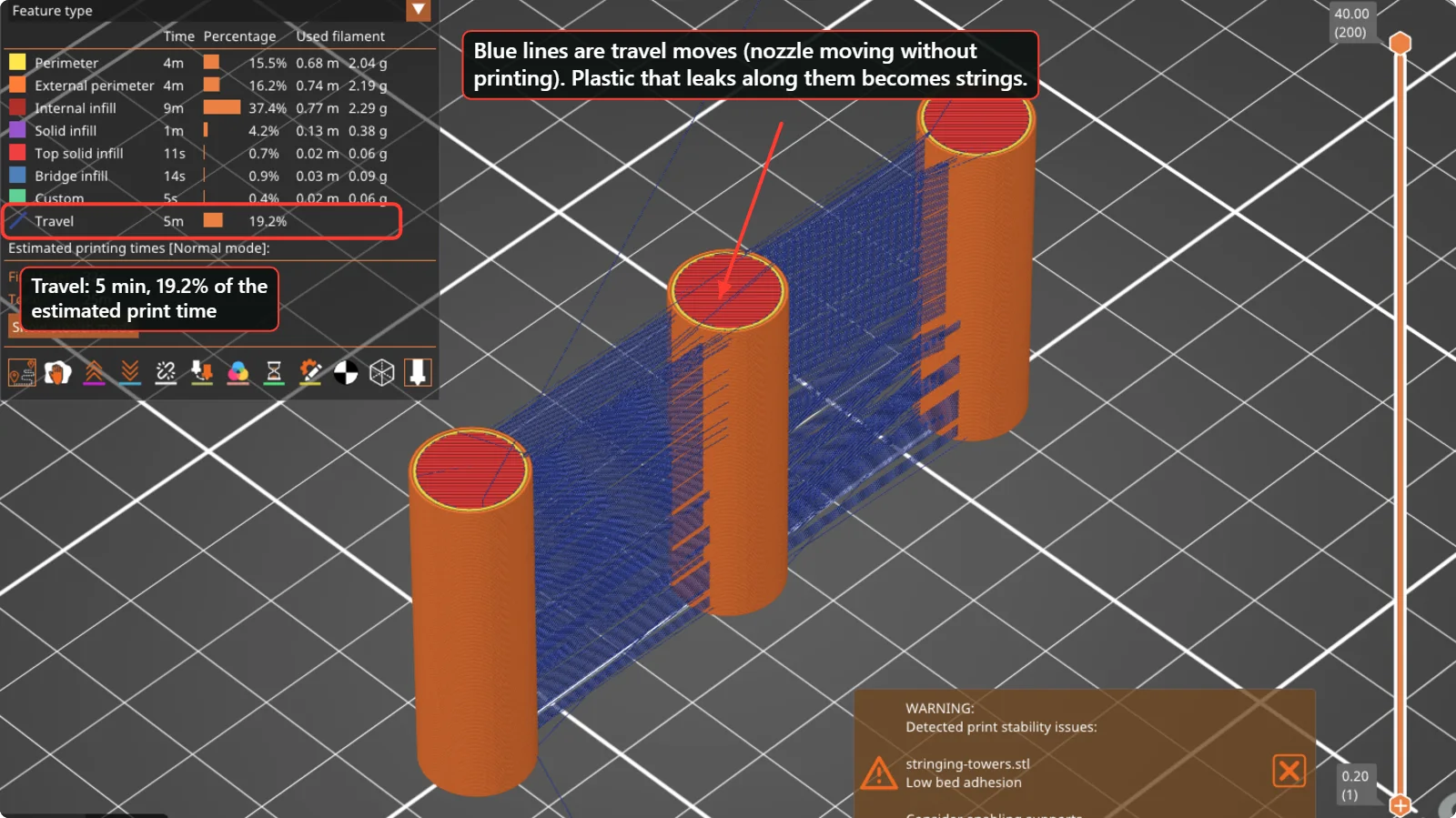 How to Fix Stringing and Oozing in 3D PrintsThin hairs between parts are caused by plastic leaking while the nozzle travels. Check wet filament, temperature, retraction and travel moves in this order, with real PrusaSlicer and Bambu Studio settings.
 Holes and Gaps in the Top Layers of a 3D Print (Pillowing) and How to Fix ThemWhy the top surface of a print looks rough or has gaps over the infill, and which settings fix it: top solid layers, top shell thickness, infill density, cooling and flow. Real values from PrusaSlicer and Bambu Studio.
 3D Printing Glossary: The Terms Used in Our GuidesPlain-language definitions of 3D printing terms: bed, perimeter, infill, layer height, slicer, bridging, supports, brim, clearance, STL, 3MF, dovetail, diffuser and more.
Written and checked by the Volucore team against the behaviour of our tools. Spotted a mistake or something out of date? Tell us and we will fix it.